A service for a thorough audit of the entire site

One service to check most of the technical problems on the site.
All pages
Server Settings
Network and DNS settings
Service files
Aggregated checks
How will the tool help?

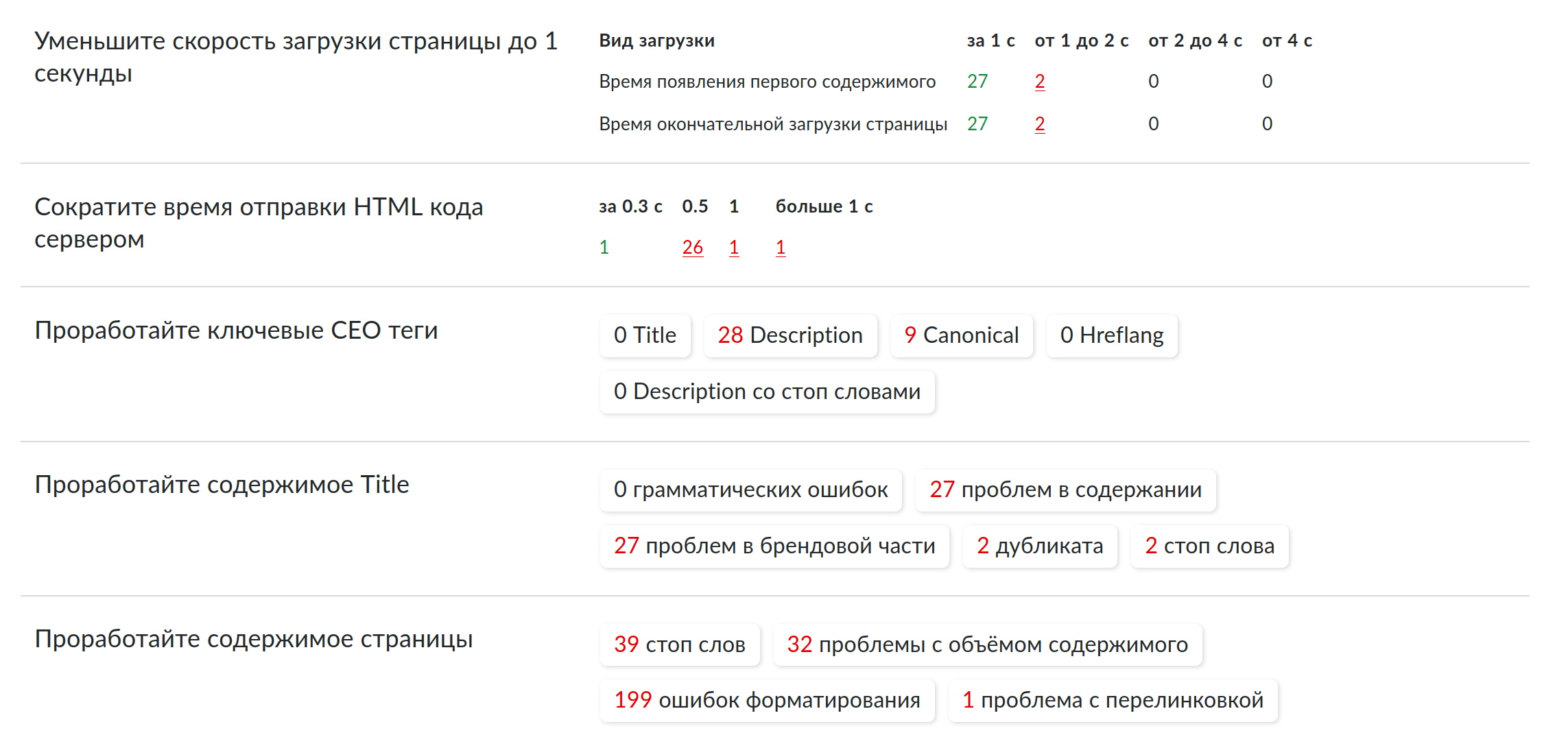
Detect massive problems

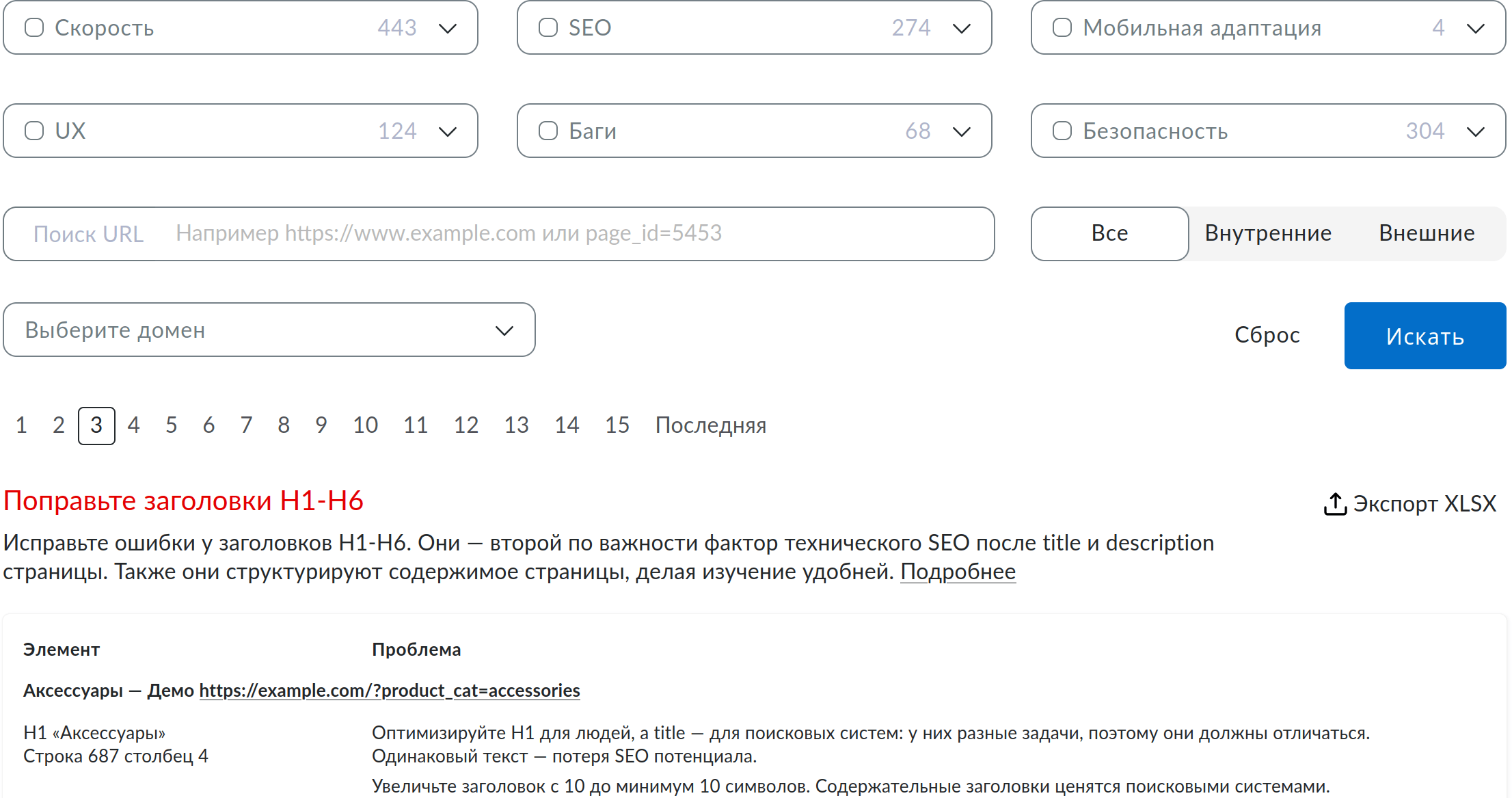
Find out the frequency and concentration of errors, filter pages by nesting level and URL template to get a report on site sections.

Manage the site status

Examine the aggregated data on the site in the "Overview" tab. Evaluate the site status by error categories.

15 minutes to master the instrument

There are only 3 pages to manage hundreds of thousands of errors found.

Export reports to Excel

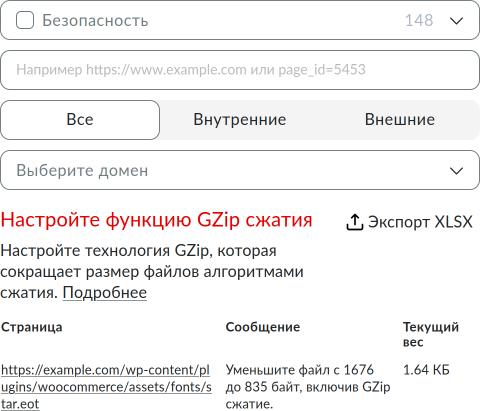
Make reports and work estimates by uploading the found problems to Excel.

Filter issues by page

Debug new features to meet the expectations of the first users and convert the natural interest from novelty into sales.

Manage the scan volume

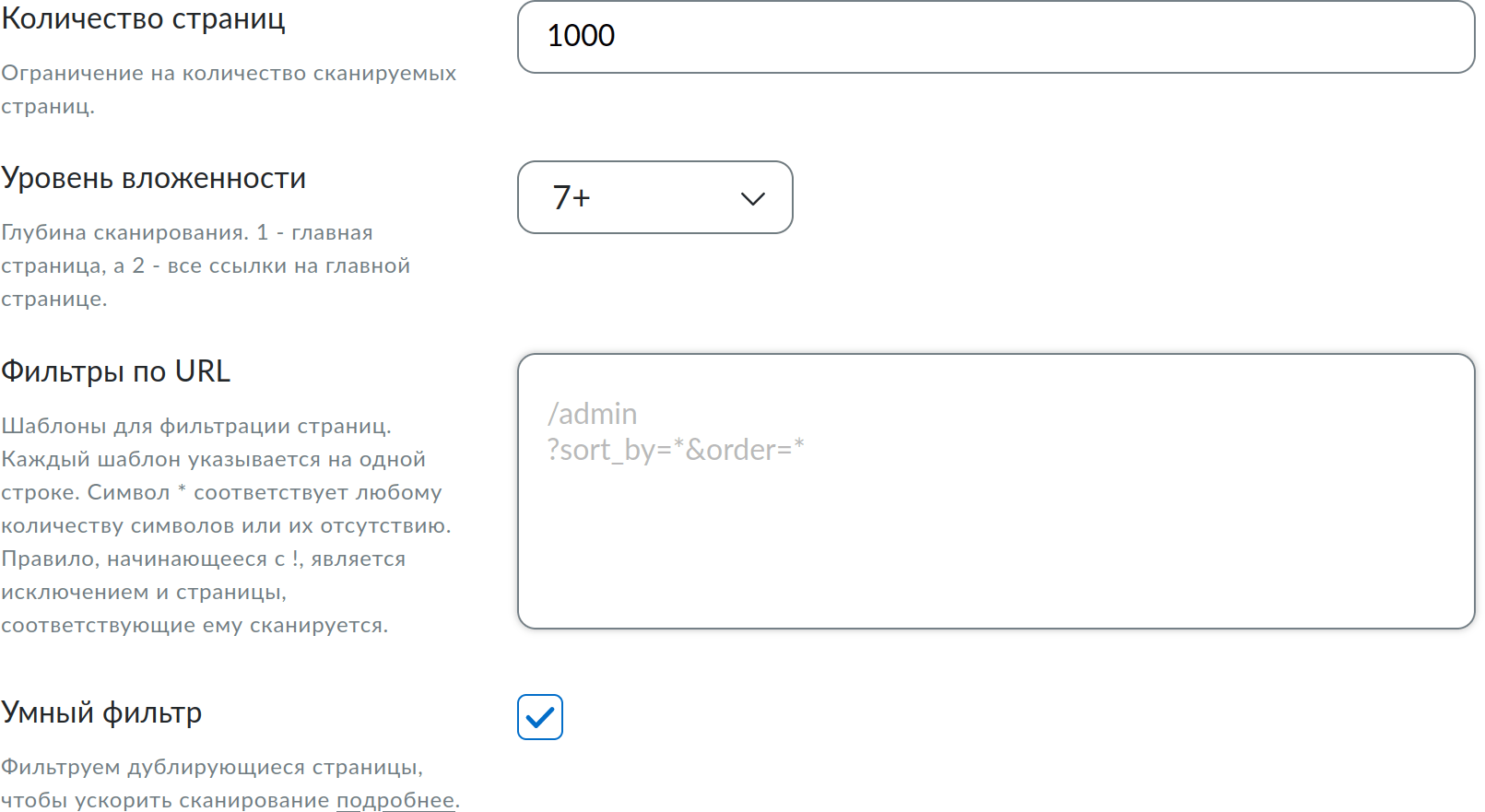
Specify the nesting depth, the number of pages, and URL templates to ignore unnecessary pages when scanning.

There are 4 interface screens in total

Summary
Search
Settings
Running verification
Evaluate the site's condition, fix massive problems, and find growth points.
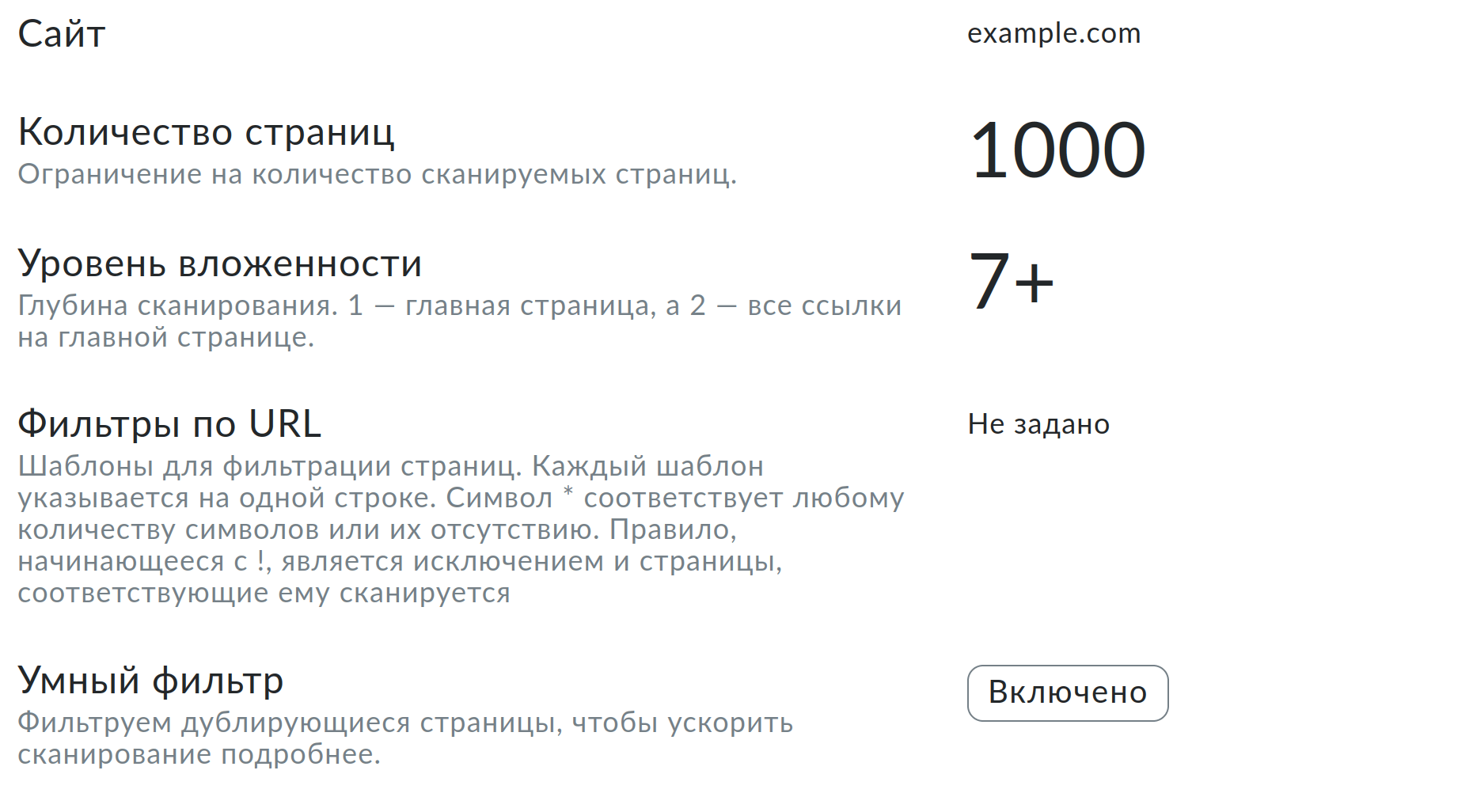
Technical details about the report and the results of its work.
Set a limit on the number of pages, depth of validation, and URL filters. Enable automatic filtering of service pages for popular CMS systems.

Pricing plans

Additional pages

For an active subscription
spend during the year
Any website
*0.3 - 3₽ / 1 page

Additional pages for the Subscription plan.

Adding funds via your merchant profile.

*The price depends on the active subscription. The more expensive the tariff, the cheaper the additional pages.

Reviews

Sergey
QA Engineer
Site Alarm is a multifunctional diagnostic tool with a deep detail of errors and solutions for their elimination.
Nuray
Python Web Developer
The report is very detailed and really able to find useful things.
Konstantin
PHP Web Developer
Site Alarm — a harvester for checking the site before launching.

Frequently Asked Questions

What are pages being written off for?

Only checking the HTML pages of the site is debited from the balance. That is, the ones that you open for viewing in the browser. All files, including service files, are checked for free. Also, all external links are checked for free.

Where can I see an example report?

You can view sample reports using the links WordPress, Битрикс.

How are pages debited from 2 accounts?

First, the pages are debited from the daily replenished tariff account. Then the pages are debited from the additional balance, replenished separately.

It is important to note that if there is a positive page account on the balance, they can only be spent with an active PRO tariff.
We use cookies. By continuing to use the site, you agree to the processing of personal data in accordance with privacy policy. I agree