Site verification in 1 minute

Site Alarm will check SEO, download speed, UX, mobility, security, and mark priority fixes.

  1. without registration
  2. 580+ checks
  3. 1 page for free
  4. will take 11-70 sec.
Acceleration
Viewing
Priority

Who the service is for

Developers

Quickly find and correct technical errors.

SEO specialists

Increase the position of the site by following hundreds of recommendations.

Marketers

Check landing pages and increase conversion.

Business

Monitor the quality of the site and reduce customer losses.

What we check

Speed

Load time, caching, server and code performance.

SEO

Content, meta tags, headings, indexing, and internal factors.

Security

HTTPS, vulnerabilities, security headers and data protection.

Mobility

Adaptability, compliance with guidelines.

UX

Usability, text readability, visual defects.

Bugs

Critical errors, code validation, broken files.

More about the checks

Speed
SEO
Security
Mobility
UX
Bugs

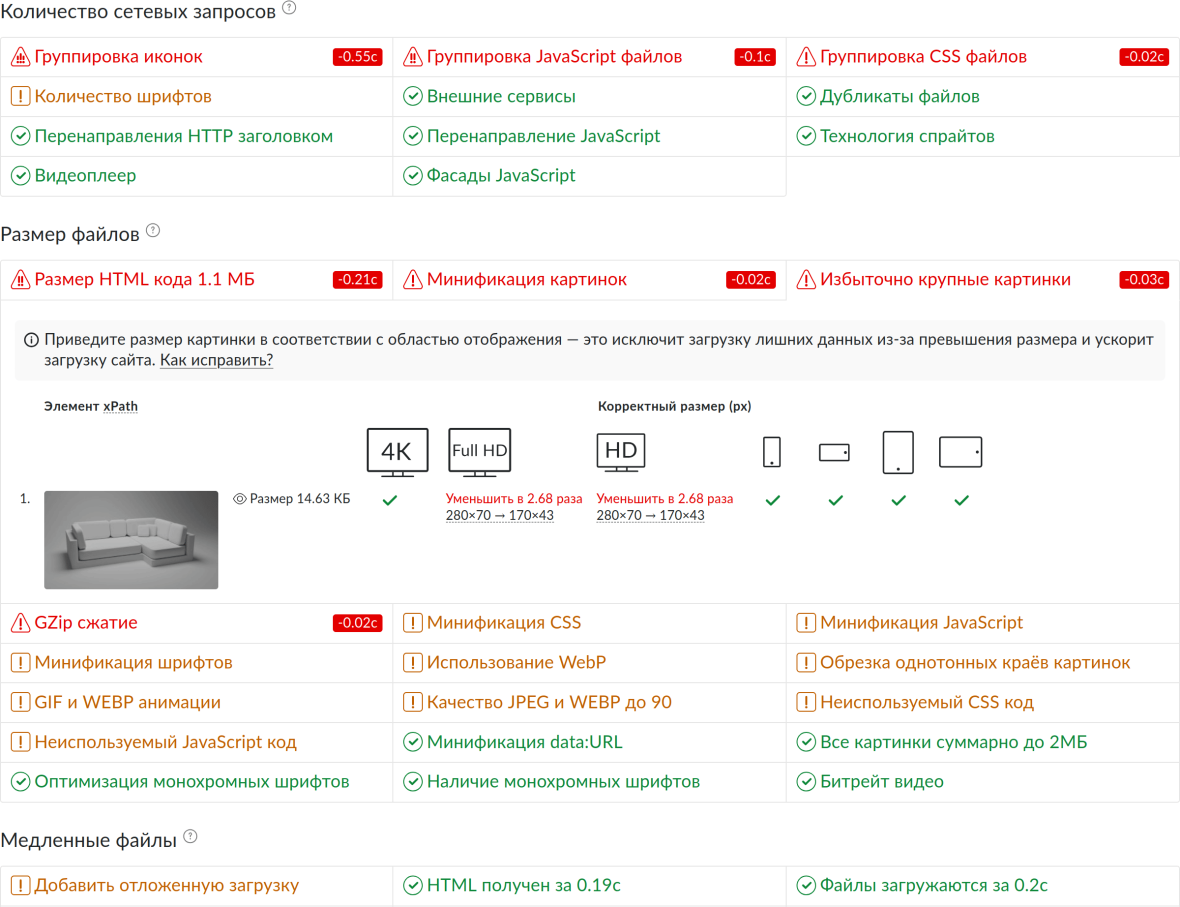
Following the recommendations of the report, you will speed up page loading to 0.5–0.7 seconds. This response speed is comparable to the speed of installed programs and mobile applications.

  • Find out the estimated page acceleration after fixing the problem from the report.
  • Study the applied acceleration techniques and web technologies using interactive examples.
  • Investigate problematic elements in the source code or on your site by clicking on the icon .
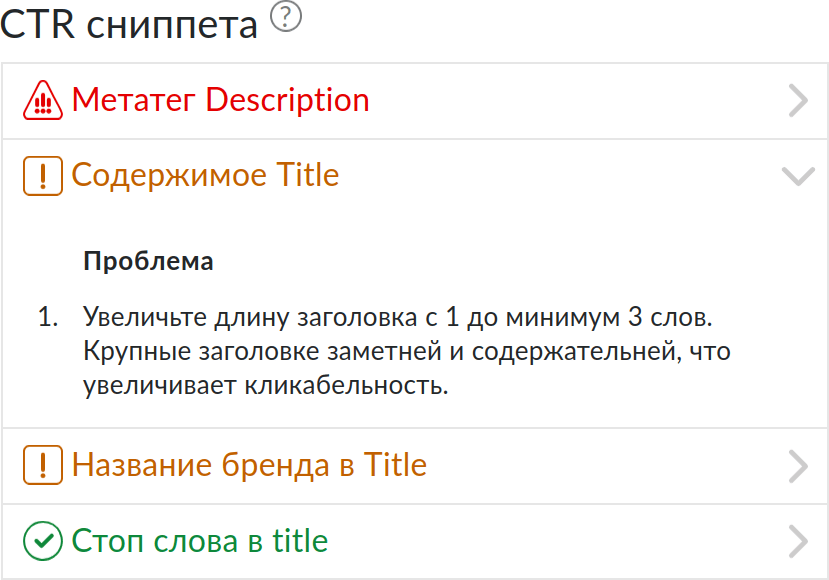
Focus on snippet CTR, indexing and content quality - the 3 main tasks in SEO.

  • Fix issues affecting behavioral factors and user experience.
  • Check everything in one place. And if you know about the functionality that we don't have yet, then write to us at email or in telegram.
  • Export the report to Excel and PDF for regular reporting.

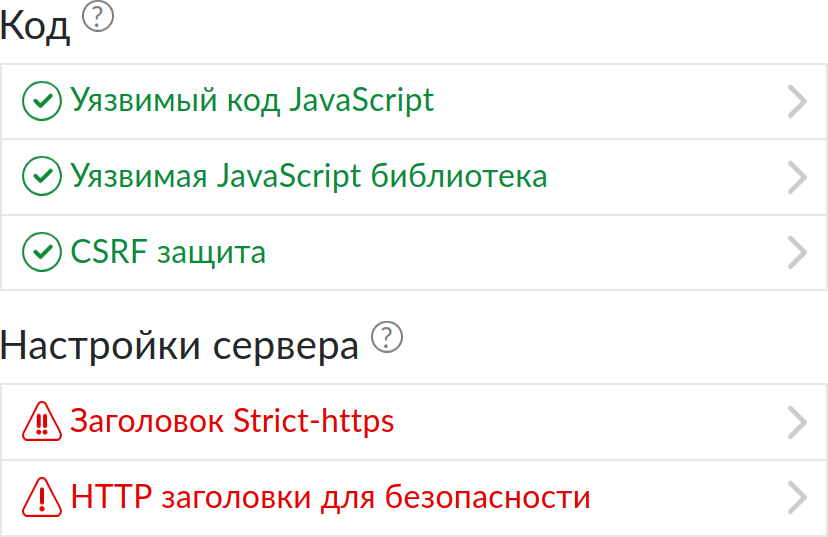
Reduce the risk of successful cyber attacks on your website by fixing dozens of popular vulnerabilities.

  • Close the vulnerabilities of the code and server settings.
  • Find out about the presence of critical security issues.
  • Get details about the degree of vulnerability risk and a link to its description.

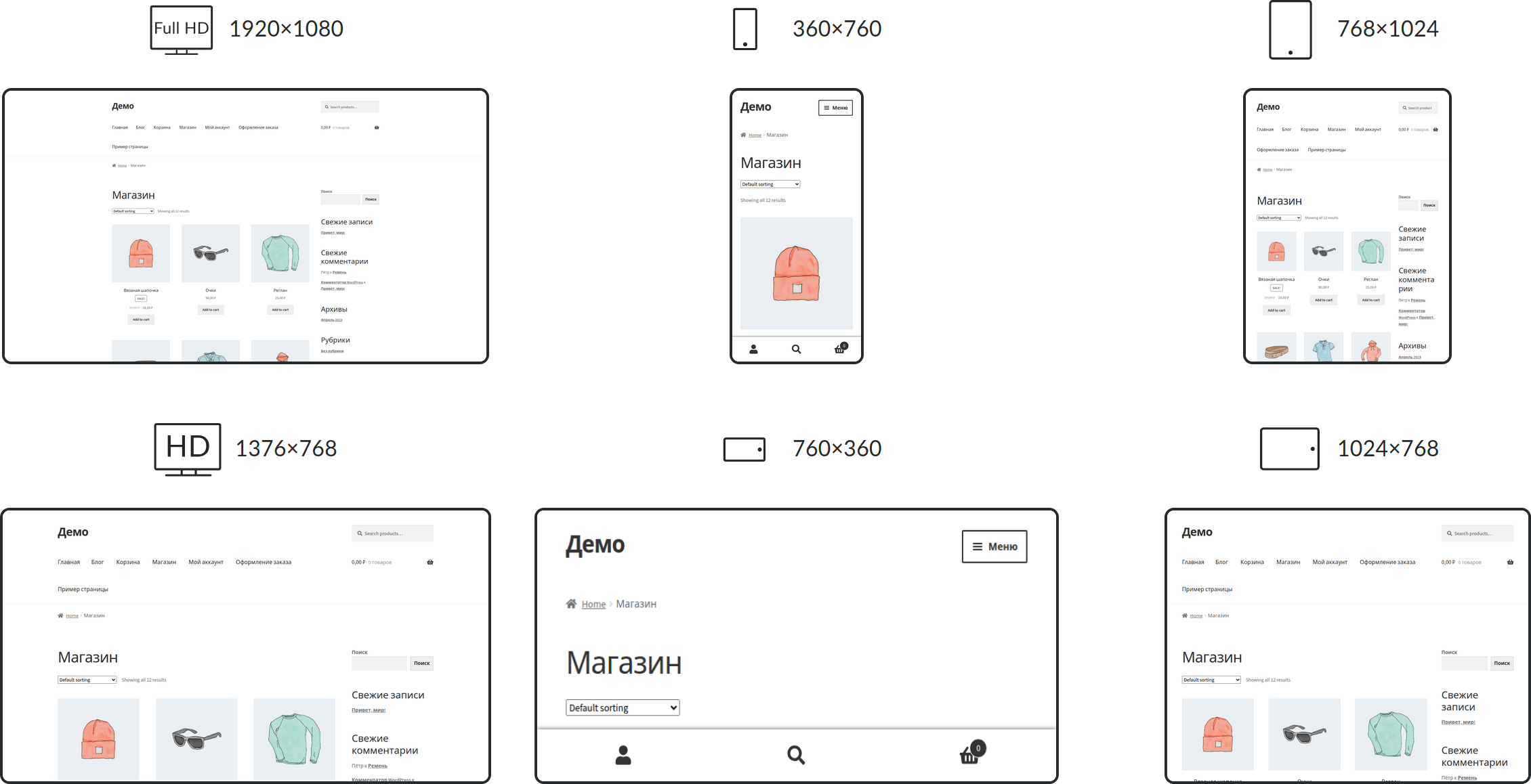
Check each element of the page for signs of broken mobile layout on several screens at once.

  • Fix the signs of a broken mobile layout.
  • Test pages for 9 screen sizes: Ultra-HD, Full-HD, HD, phone large and small screen vertically and horizontally, tablet vertically and horizontally.
  • Bring your website in line with mobile guidelines.

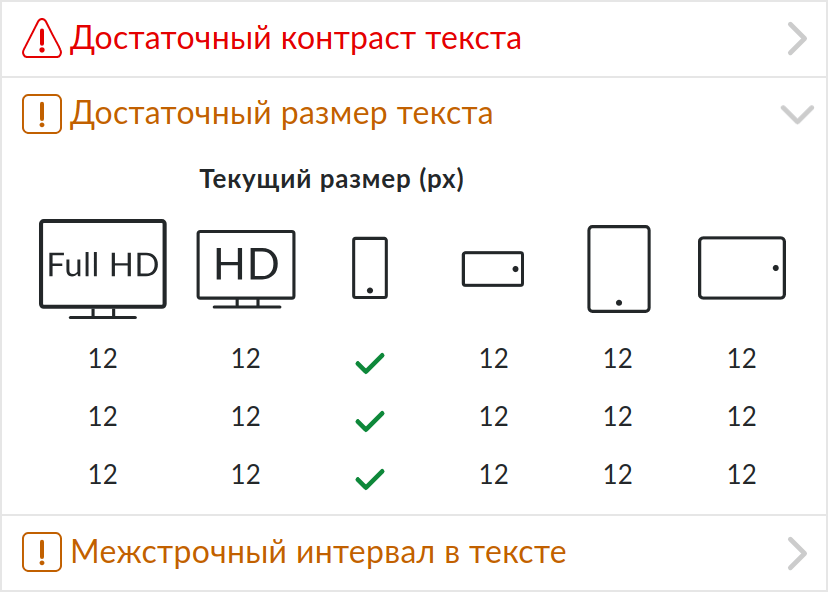
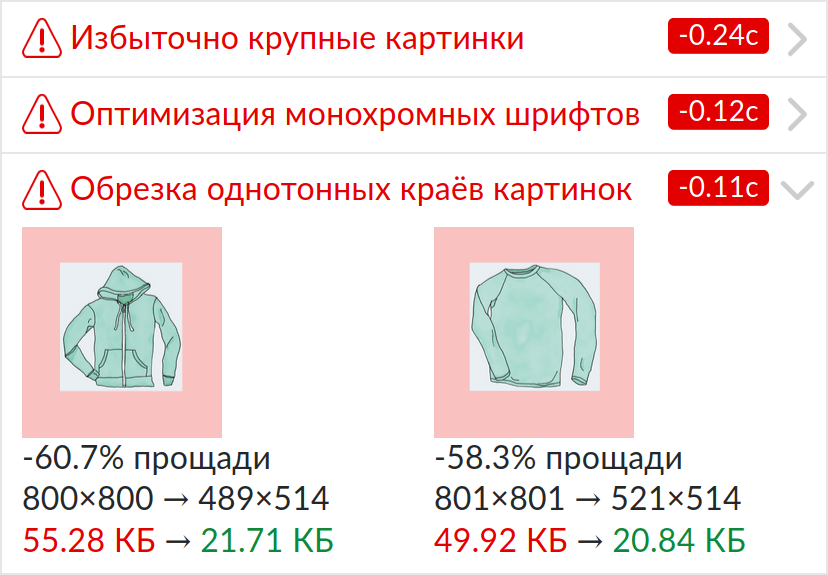
Rid the site of numerous visual and interface flaws that your user stumbles upon when working.

  • Improve the typography of the text by simplifying its perception.
  • Bring your website in line with the guidelines and best practices.
  • Set up site integration for interaction with popular programs and applications.

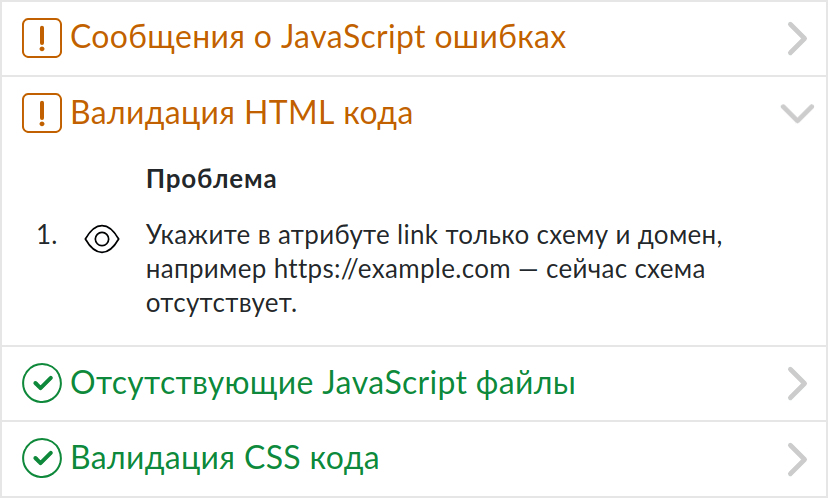
Get rid of bugs that have already broken the functionality of the site or increase the risk of breakdowns in the future.

  • Find HTML, CSS, and JavaScript code errors that create a risk of breakage.
  • Detect incorrect network connections.
  • Find missing and corrupted files.

Pricing plans

Additional pages

For an active subscription
spend during the year
Any website
*0.3 - 3₽ / 1 page

Additional pages for the Subscription plan.

Adding funds via your merchant profile.

*The price depends on the active subscription. The more expensive the tariff, the cheaper the additional pages.

Reviews

Sergey
QA Engineer
Site Alarm is a multifunctional diagnostic tool with a deep detail of errors and solutions for their elimination.
Nuray
Python Web Developer
The report is very detailed and really able to find useful things.
Konstantin
PHP Web Developer
Site Alarm — a harvester for checking the site before launching.

Frequently Asked Questions

How much does the service cost?

The first scan of the site is free. This demonstrates the capabilities of our service. Next, you will need to purchase a paid subscription.

Why do you write that you are advanced?

We outperform other services in both the number and depth of checks. All the services we encountered use the same open source Ligthouse. Our service is completely its own development, using dozens of programs in its composition.

How do I get technical support?

By feedback form or in telegram channel. We welcome any questions, as they help us get better.

How to scan many pages at once?

In the tool full site check. This is a separate tool for auditing all pages of the site and its infrastructure.

Check your website

We use cookies. By continuing to use the site, you agree to the processing of personal data in accordance with privacy policy. I agree